A personal first impression.
Make your place feel like your place. Combine your images, welcome message, and practical details in a calm, looping presentation.
Your place, in your own words
A little screen time. A better stay.
Turn the idle TV in your holiday rental into a helpful local host. A warm welcome, the Wi-Fi details, and a little inspiration for tomorrow — right where guests can see them.
Made for holiday homes. Managed from one place.
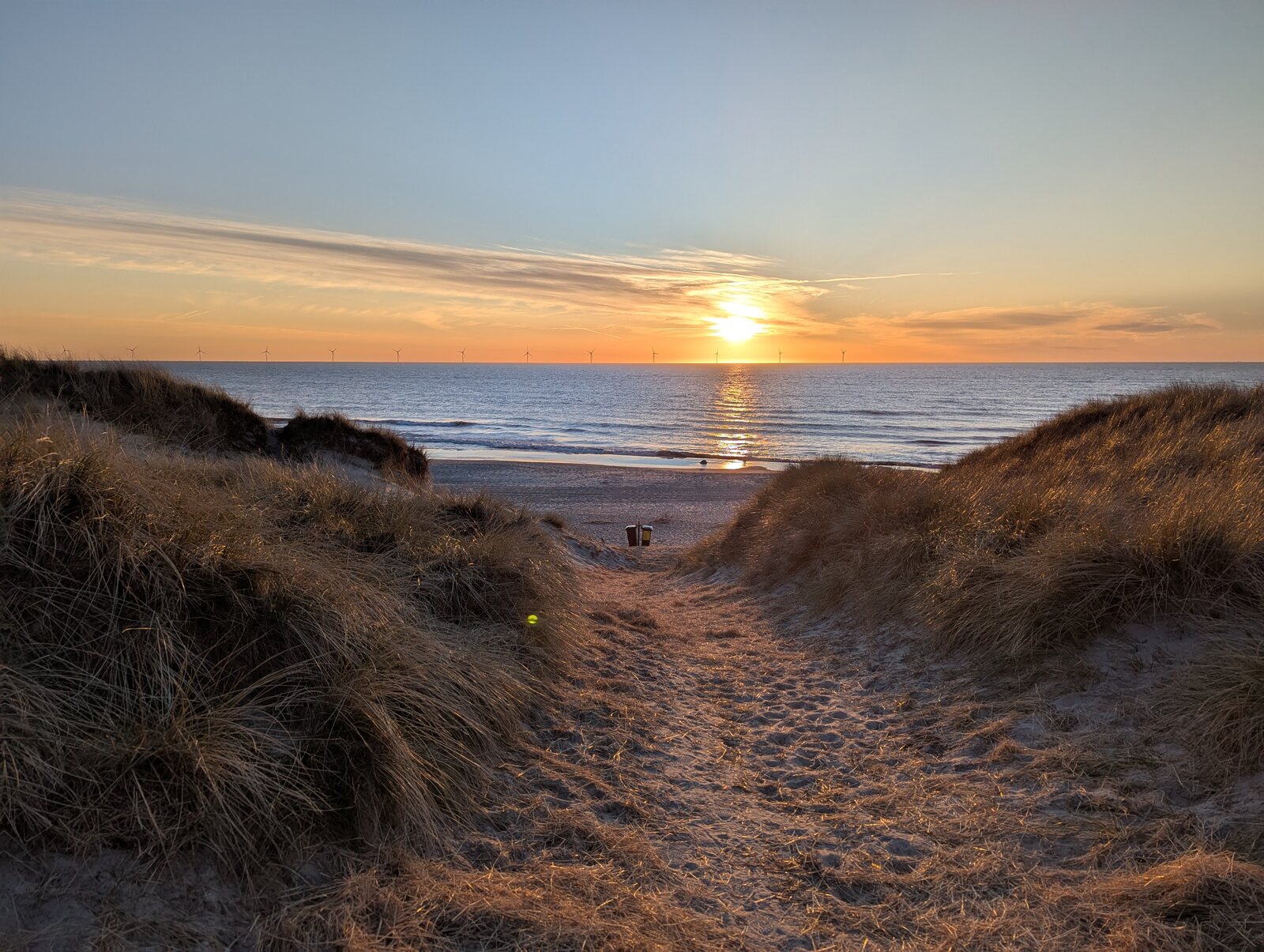
An illustrative stay, a real possibility. Your place. Your content.
MORE THAN A WELCOME SCREEN
The most useful information is the information your guests actually notice. Put it on the screen they already have.
Make your place feel like your place. Combine your images, welcome message, and practical details in a calm, looping presentation.
Wi-Fi, checkout reminders, and the link to your place guide. Guests can scan a QR code to connect or take the details with them.
The beach worth a detour. A nearby attraction. Somewhere for tomorrow’s lunch. Share recommendations with QR links to find out more.
A GOOD HOST KNOWS WHEN TO STEP BACK
Broadster is designed for the moments in between. On supported setups, the welcome loop gives way when guests use the TV, and returns when it’s idle again.
ONE PLACE TO MANAGE IT ALL
From a single holiday home to a collection of places, Broadster keeps your content and screens together in one management portal.
Create your place, add your images and slides, and choose the information guests need.
Choose a compatible TV setup and assign it to the right place and language.
Generate the welcome video. Connected devices download it and keep a local copy ready to play.
GOOD FOR THE STAY. GOOD FOR THE AREA.
For hosts, Broadster is a way to share the places you love. For local businesses, it’s a chance to be discovered while guests are deciding what to do next.
Bring an attraction, experience, or local offer to the screen, with a QR link that lets guests explore further.
Talk to us about local partnershipsSTART WITH THE SCREEN YOU HAVE
We’ll help you find the right setup for your places. Compatibility depends on your TV, receiver, and network.
A FEW PRACTICAL DETAILS
No. The welcome content plays on the TV. QR codes are optional: guests can scan them with their phone to join Wi-Fi or open a guide, recommendation, or offer.
That’s the idea. The Pi setup yields when supported receiver and TV signals show guest activity. The Android TV screensaver dismisses on remote input. We’ll check how this works with your particular hardware as part of setup.
Devices keep a local copy of the last downloaded welcome video, so playback doesn’t need a continuous connection to the portal. Updates and online QR destinations need connectivity; Pi-based playback also needs a working local connection to the receiver.
Yes. Each place has its own content, including welcome text, images, Wi-Fi details, and links. You can manage multiple places centrally and generate content in Danish, German, and English, with a language selected for each device.
Email contact@broadster.com with a little about your places and the TVs you use. We’ll talk through compatibility, content, and pricing for your setup.
LET’S MAKE YOUR GUESTS FEEL AT HOME
Tell us about your place. We’ll take it from there.
Let’s talk Broadster contact@broadster.com